No servers and no account required. Everything runs in your browser; your files never leave your device.
Direct file read & write
Open real .md files through the File System Access API and save edits straight back — no copies, no sync conflicts.
Native Word export
Export genuine, editable Word documents — real Word objects, not flattened pasted HTML.
WeChat-ready copy
Your chosen theme's styling is inlined so pasted content keeps its look inside the WeChat editor.
Print-ready typesetting
Vertical rhythm, a locked measure, and tuned spacing make long reads feel effortless.
Features
A reader built for Markdown
Warm, focused, and endlessly customizable — every session feels like reading on paper.
46 themes, 6 families
Aura, Paper, Rhythm, Archive, Dark, and Editorial families for reading, writing, and typesetting.
WYSIWYG editing
Edit what you see and write changes back to the original file — no duplicate copies.
Folder library
Multiple roots, instant search, image preview — manage docs like a bookshelf.
One-click export
Export to HTML, PDF, or native editable Word to share or archive.
Tabs & outline
Multi-tab editing, heading outline navigation, live KaTeX math and Mermaid diagrams.
Search & drag
Instant filtering and cross-folder drag to move files with image links auto-rewritten.
Save web docs
Save Markdown pages from the web to your local library for offline reading.
Session restore
Open tabs and paths persist; everything returns after a reload — no re-authorizing.
Themes
46 themes across 6 families
Aura · Paper · Rhythm · Archive · Dark · Editorial — for reading, writing, and typesetting.
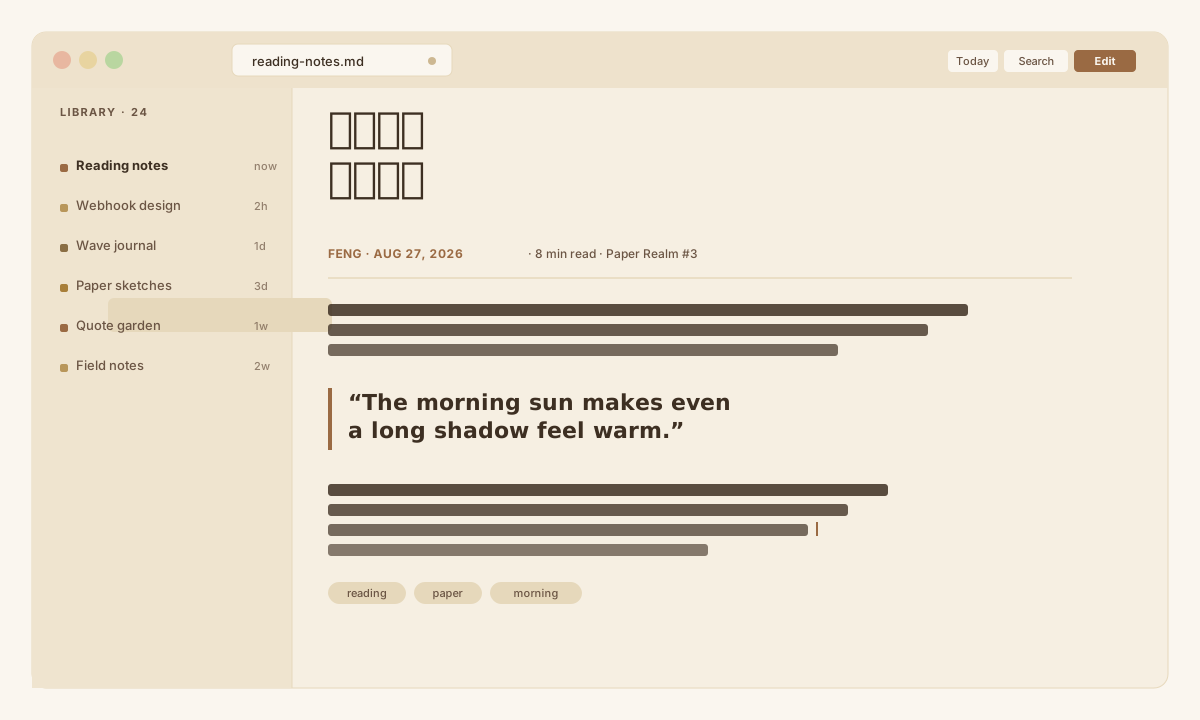
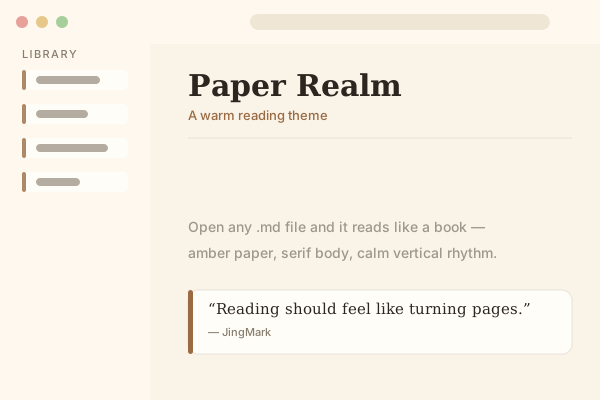
Aura · Warm
Amber-brown · Serif body · Paper-book feel
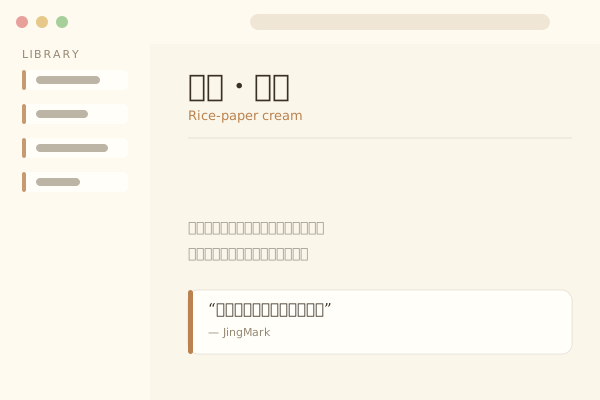
Paper · Letter
Rice-paper cream · Eastern typography · Classic
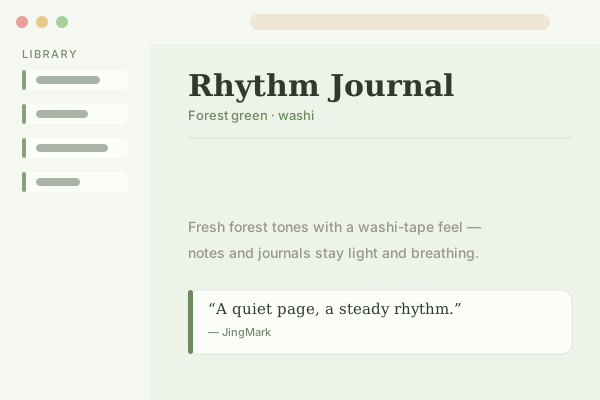
Rhythm · Journal
Forest green · Washi tape · Fresh
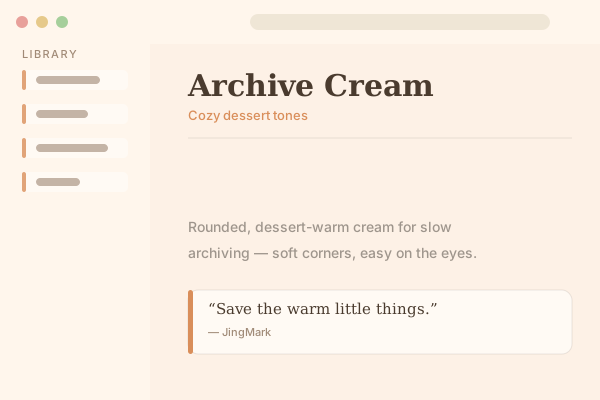
Archive · Cream
Dessert tones · Rounded · Cozy
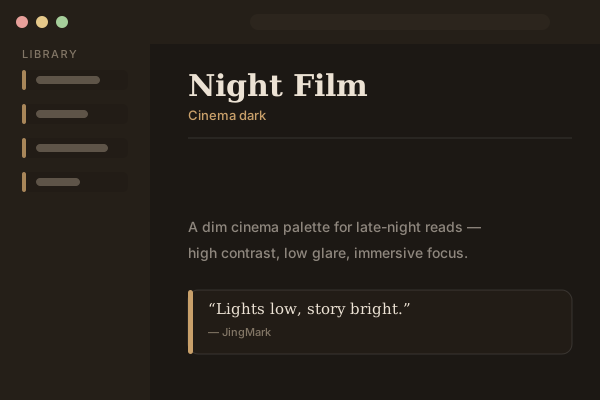
Dark · Night Film
Cinema dark · Immersive · Easy on the eyes
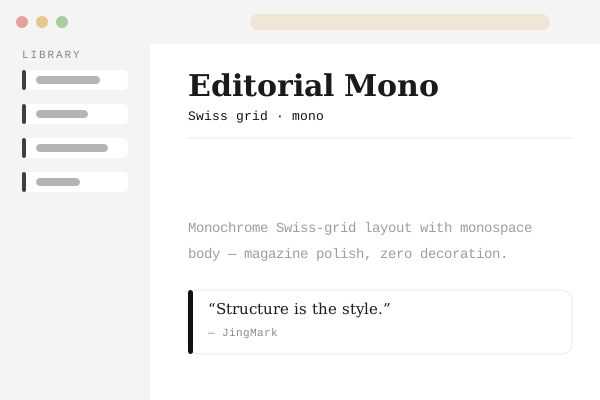
Editorial · Mono
Monochrome · Swiss grid · Magazine polish
Privacy
Your documents stay on your device
Local-first and upload-free: we only touch folders you explicitly authorize, sanitize every render with DOMPurify, bundle third-party libraries locally, and ask for the minimum permissions.
No uploads
Nothing is sent to a server; all processing stays on your machine.
Authorized folders only
We read and write only folders you allow, and you can revoke access anytime.
Sanitized & strict CSP
Rendering and export are double-sanitized; only local scripts ever run.
Libraries bundled locally
marked, Vditor, and docx ship inside the extension — no remote loads.
How it works
Three steps to paper-like reading
No complex setup — as simple as opening a book.
1
Pick a folder
Authorize one or more local Markdown folders as your library roots and browse them recursively.
2
Pick a theme
Choose from 46 themes across six families and switch the look in one click.
3
Edit & write back
Edits save straight to the original .md, or export to HTML, PDF, or native Word.
Pricing
Start free, upgrade when you need
Reading is free forever. Unlock themes, export, and editing with a one-time Pro purchase.
No. JingMark is local-first — every file read and write happens in your browser through the File System Access API. Nothing is uploaded. Pro status is verified by email; only your email and payment state are stored.
Free includes full Markdown reading, 6 curated themes, and single-root browsing. Pro unlocks all 46 themes, native Word/PDF export, WYSIWYG editing with write-back, multi-root management, split-preview, saving web docs, and more. Reading stays free forever.
Any Chromium-based browser (Chrome, Edge, Brave, Arc, and so on) with File System Access API support (Chrome 86+).
Click 'Upgrade' in the extension, sign in with your email, and pay through Creem. Your Pro status syncs automatically. In regions without Creem, an activation key will be available soon.
Pro is tied to your email account and works across devices. Activation keys are issued per device for offline activation — sign in on any computer to access Pro features.
Yes. JingMark renders KaTeX math formulas and Mermaid diagrams natively — just write standard LaTeX or Mermaid syntax in your Markdown.
The interface is available in 13 languages: English, 中文, 繁體中文, 日本語, 한국어, Français, Deutsch, Español, Português, Русский, Tiếng Việt, Svenska, and العربية (RTL).
Yes. The split-preview mode shows your content in narrow (680px), medium (820px), or wide (960px) widths, with a fullscreen option for distraction-free proofreading.
Choose your browser and start reading
No account, no server — install and feel the paper-book calm right away.